Trading Bot v12.0.0
CryptoTrafik
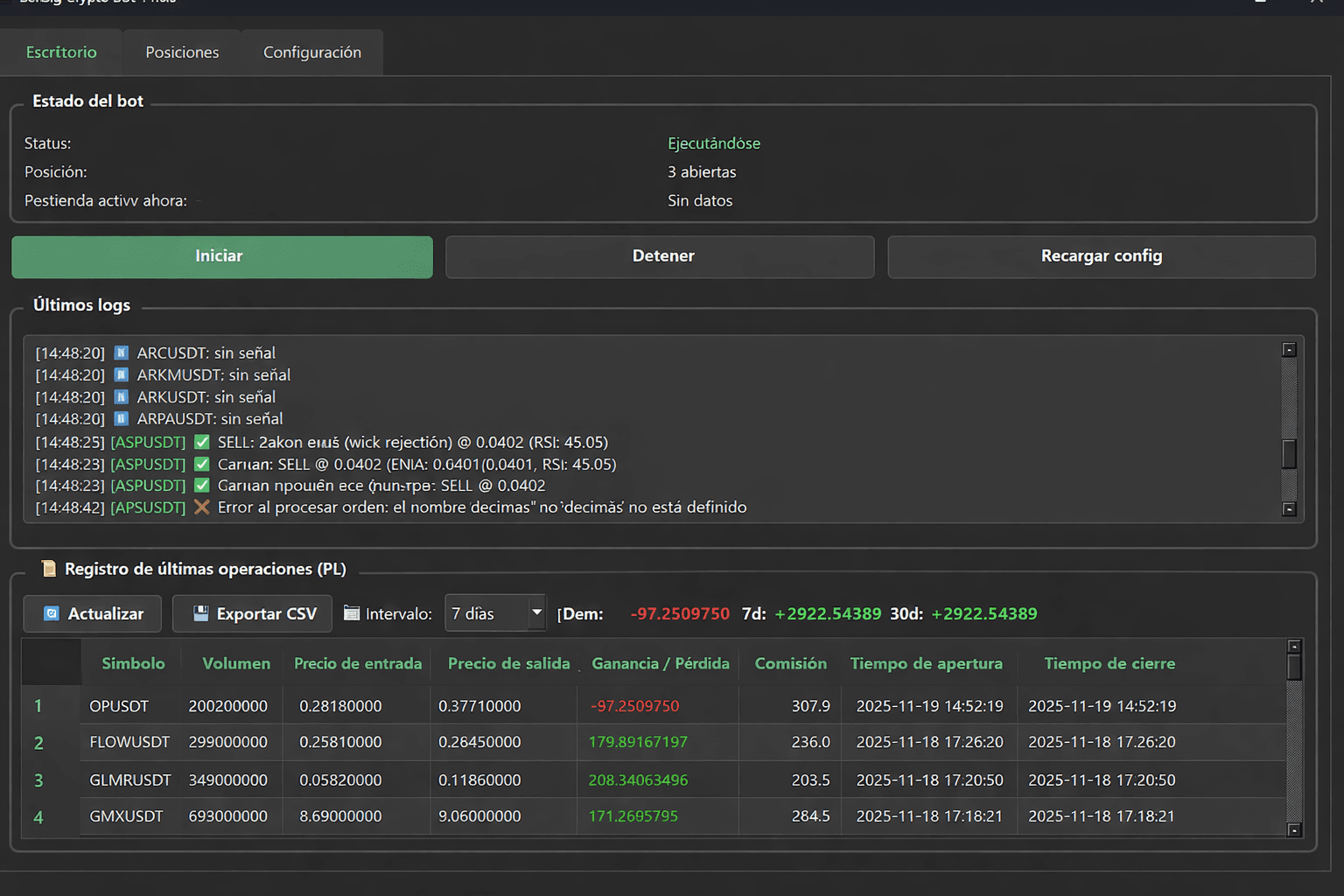
How It Works
1. Download & Install
Download the installer and install CryptoTrafik on your Windows PC.
2. Get Machine ID
Launch the app. It will display your unique Machine ID (64 characters).
3. Pay 99 USDT
Enter your Machine ID and email on our website. Pay exactly 99 USDT (TRC20).
4. Receive Key by Email
After payment confirmation, your activation key will be sent to your email.
5. Activate Offline
Enter the activation key in the app. No internet required for activation.
Pricing
POPULAR
$99 USDT
TRC20 Network
- Lifetime license
- One PC activation
- Works offline
- Free updates
- 1 free transfer
Download
Frequently Asked Questions
Is this a guaranteed profit?
No. Trading involves significant risk. Past performance does not guarantee future results. You may lose your entire investment. This is not financial advice.
How long until I receive my key?
After your USDT payment receives sufficient blockchain confirmations (usually 5-20 minutes), the activation key is sent to your email automatically.
Can I transfer my license to another PC?
Yes. You get 1 free transfer. After that, additional transfers cost $50 each. Contact support with your original purchase email.
What if I reinstall Windows?
Reinstalling Windows may change your Machine ID. This counts as a license transfer. Contact support.
Do I need internet to run the bot?
The bot only needs internet to connect to Bybit exchange API. License activation and bot operation work completely offline.